
KEC Front Page: Solving a College Document Problem
Built the KEC Front Page Generator in May 2025 to solve a simple but annoying problem at my college. Every assignment, lab report, and project submission needed a formatted front page with specific details. Making these manually was tedious.
Most students don't have laptops. They use college computers or phone apps to create documents. Creating a properly formatted front page with the college logo, all the right fields, correct spacing – pain in the ass when you're just trying to submit homework.
The Problem
Krishna Engineering College requires specific front page format for all submissions. College name, logo, subject details, student information, faculty name, all laid out in a particular way.
Students would either:
- Spend time formatting in Word (if they had access to a computer)
- Copy someone else's front page and manually edit all the fields
- Use their phone to type everything out in some random app
- Pay someone at a print shop to make it for them
None of these solutions were good. Time-consuming, error-prone, or cost money for something that should be trivial.
The Solution
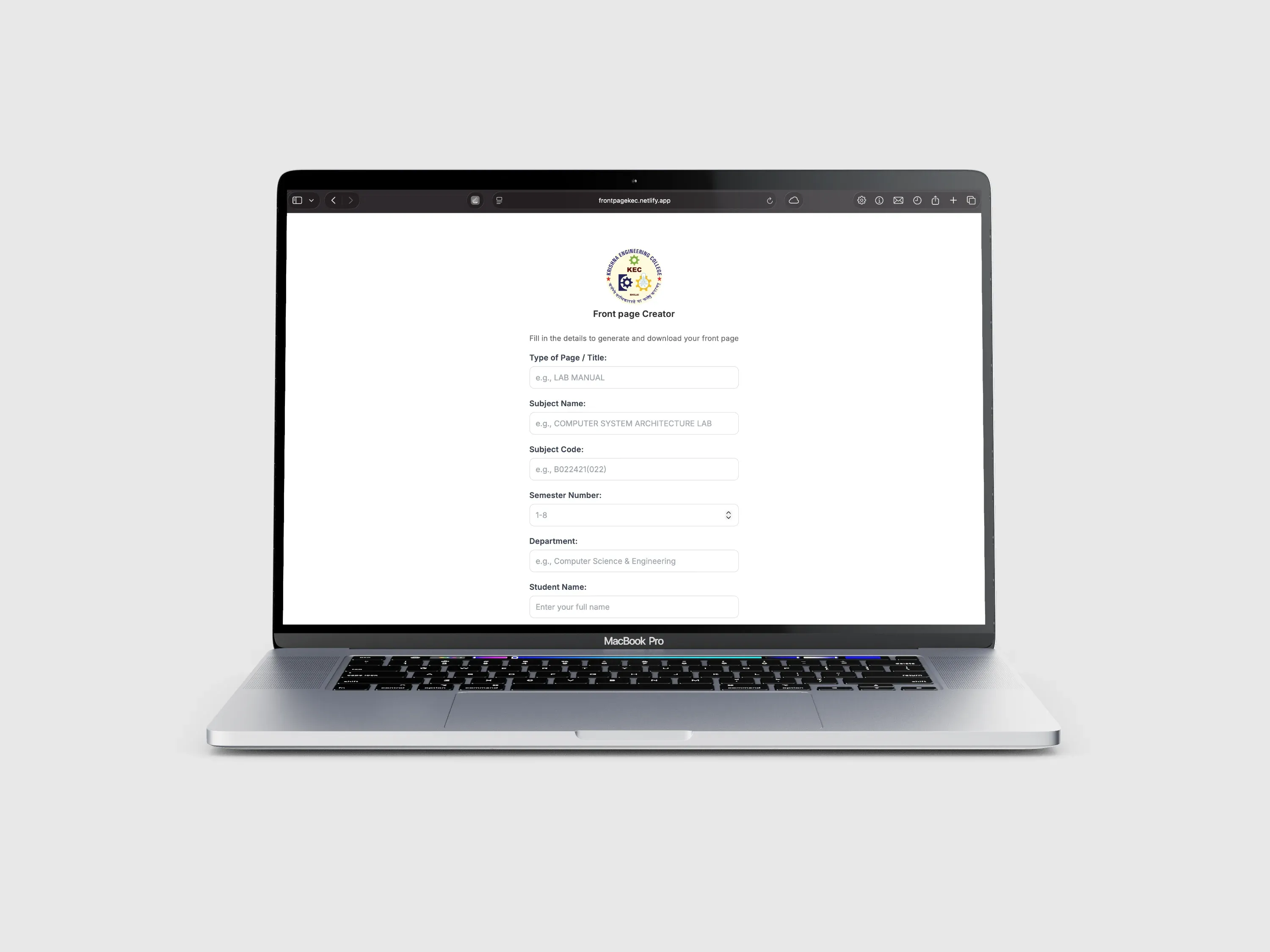
Web-based front page generator. Fill in a form with your details, click download, get a perfectly formatted PDF. Works on any device with a browser – phone, tablet, computer, whatever.
Built it specifically for KEC students but the concept works for any institution with standardized document requirements.
How It Works
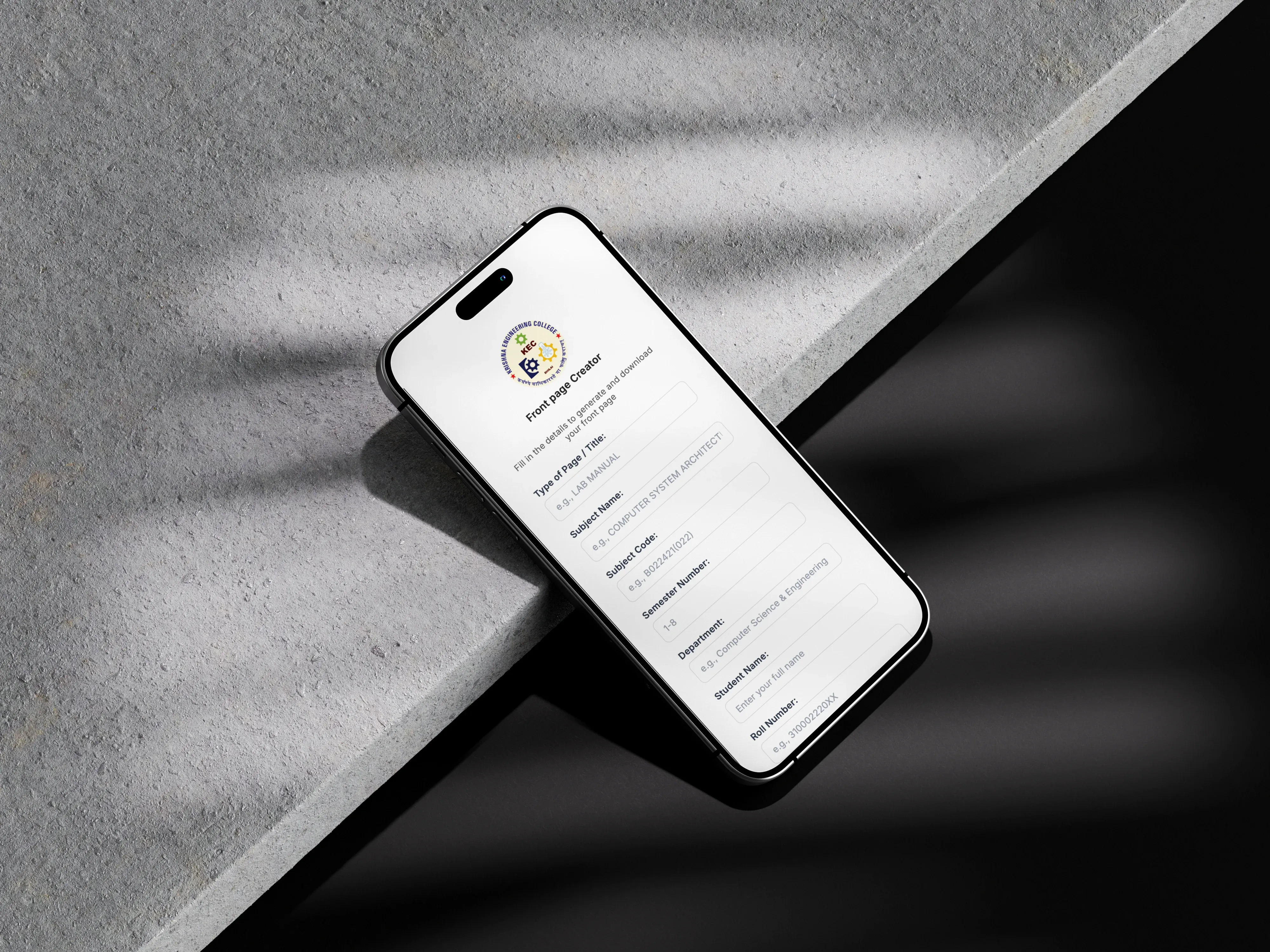
Open the site. Form with all the required fields – page title, subject name, subject code, semester, department, student name, roll number, branch, batch year, faculty name, faculty designation.
Each field has validation. Can't submit garbage data. Subject code format, semester number range, roll number digits, batch year format – all validated before generating the PDF.
Click download. JavaScript generates the PDF client-side using html2canvas and PDF.js libraries. Captures the formatted front page layout, converts to PDF, triggers download. All happens in the browser, no server needed.
The Layout
College logo at the top. Krishna Engineering College name and location. Contact details.
Lab Manual title (or whatever page type you specified). Subject name and code. Semester number.
Student details section. Name, roll number, branch, batch. Faculty information at the bottom.
Everything formatted according to KEC standards. Proper spacing, correct font sizes, official look.
Technical Implementation
Single page application. HTML for structure, CSS for styling, vanilla JavaScript for functionality.
Form validation using HTML5 input patterns and JavaScript checks. Regex patterns for roll numbers, subject codes, batch years. Min/max length constraints on text fields.
PDF generation happens entirely client-side. html2canvas converts the DOM layout to canvas. PDF.js (or similar library) converts canvas to PDF document. FileSaver.js handles the download.
No backend server. No database. No user accounts. Just static files served from Netlify.
User Experience
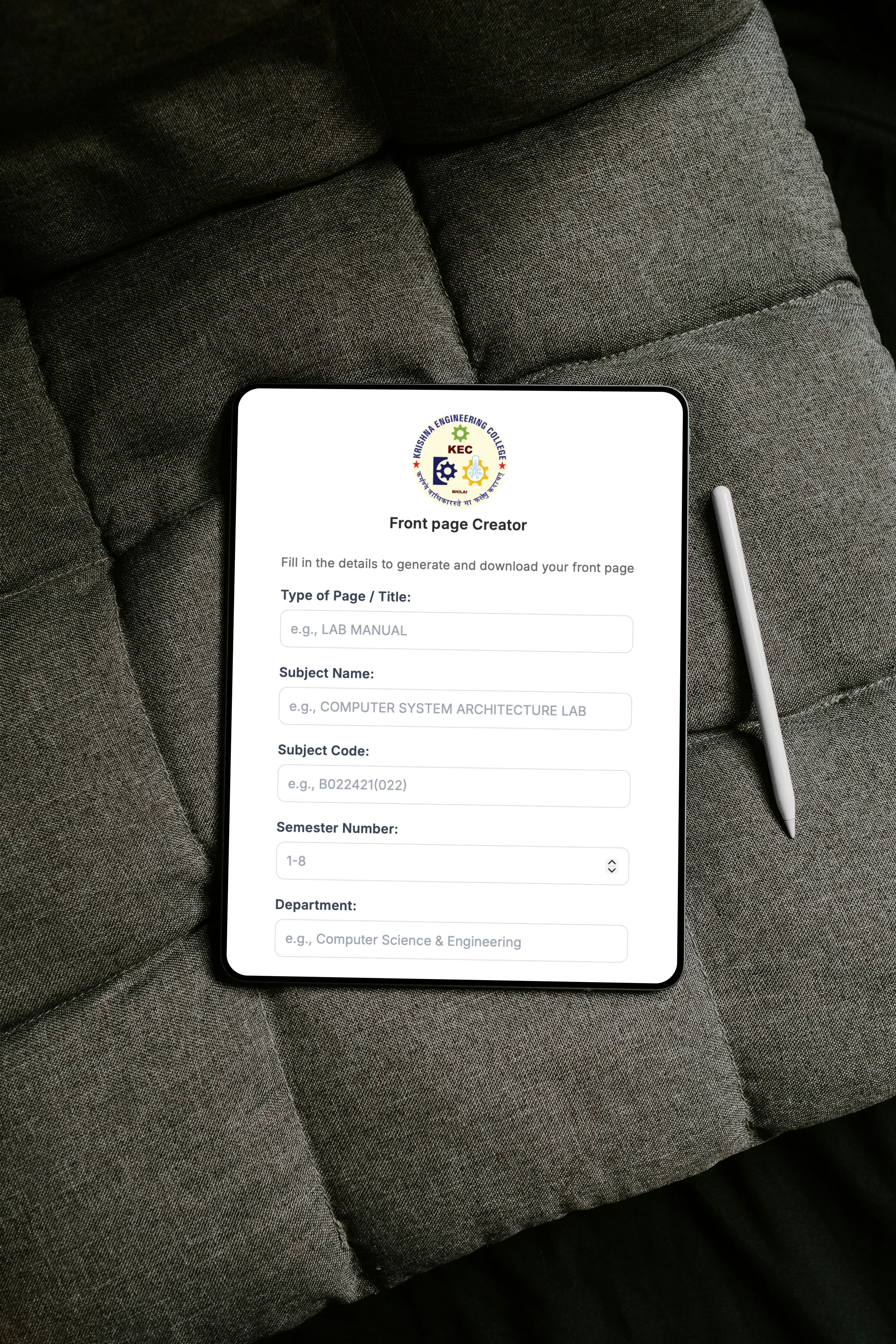
Click the logo or drag down to open the form menu. Fill in your details. Real-time validation shows errors immediately.
Dark mode toggle for preference. Some people prefer working in dark mode, especially late at night when finishing assignments.
Download button disabled until all fields are valid. Prevents incomplete PDFs. Success message confirms download.
Preview of the front page updates as you type (or could, if implemented). See exactly what you're generating before downloading.
Design Decisions
Made it mobile-friendly from the start. Most KEC students access this from phones. Touch-friendly form fields, readable text sizes, responsive layout.
Kept it simple. No extra features, no complexity. Does one thing well – generates front pages.
Official college branding. Used actual KEC logo, real college name and address. Makes the generated documents look legitimate.
Client-side processing means privacy. Student details never leave their device. No server logging names or roll numbers.
Impact
Students use it regularly for assignment submissions. Saves time, ensures correct formatting, works on any device.
Particularly helpful for students without laptops. Phone is good enough – just fill the form and download.
Print shops near college probably lost some business. Students can generate their own front pages for free instead of paying someone to type it.
Technical Challenges
PDF generation from HTML isn't perfect. Different browsers render slightly differently. Had to test across Chrome, Firefox, Safari to ensure consistent output.
File size optimization. High-res logo makes large PDFs. Needed to balance quality with file size for easy sharing and printing.
Form validation edge cases. Students enter data in weird formats. Had to handle all the variations while still enforcing standards.
Mobile browser quirks. Download behavior differs across mobile browsers. iOS Safari, Chrome on Android, different handling of file downloads.
What I Learned
Client-side PDF generation is powerful but has limitations. Works great for simple documents. Gets tricky for complex layouts.
Form validation UX matters. Show errors clearly but not annoyingly. Validate on blur, not on every keystroke.
Solving real problems for actual users is satisfying. This isn't a portfolio project nobody uses. Students actually need this tool.
Simple solutions often work best. Could have built accounts, saved templates, version history. But none of that was necessary. Just make the PDF and download it.
Current State
Live at frontpagekec.netlify.app. Students use it whenever they need front pages. Works reliably, does its job.
Code on GitHub. Simple enough that anyone could fork it for their own college with different formatting requirements.
No maintenance needed. Static site with no backend means nothing breaks. Just works.
Future Improvements
Multiple templates for different submission types. Lab reports need different formatting than project reports or assignments.
Template customization for other colleges. Make it generic enough that any college could use it with their own branding.
Save form data in browser local storage. Don't make students re-enter everything each time. Remember their details.
Batch generation. Upload CSV with multiple students' details, generate PDFs for all of them at once. Useful for faculty or CR creating class documents.
Why It Matters
This is a tiny tool that solves a specific problem for a small group of people. That's exactly what makes it valuable.
Not every project needs to scale globally or disrupt industries. Sometimes you just need to fix an annoying workflow for the people around you.
Built it in a day or two. Deployed for free. Helps students every week. That's good enough.
Check it out at frontpagekec.netlify.app. Code at github.com/aryansrao/frontpagekec. If you're at KEC or any college with similar requirements, feel free to use or adapt it.