Glimpse: A Clean Alternative to Omegle
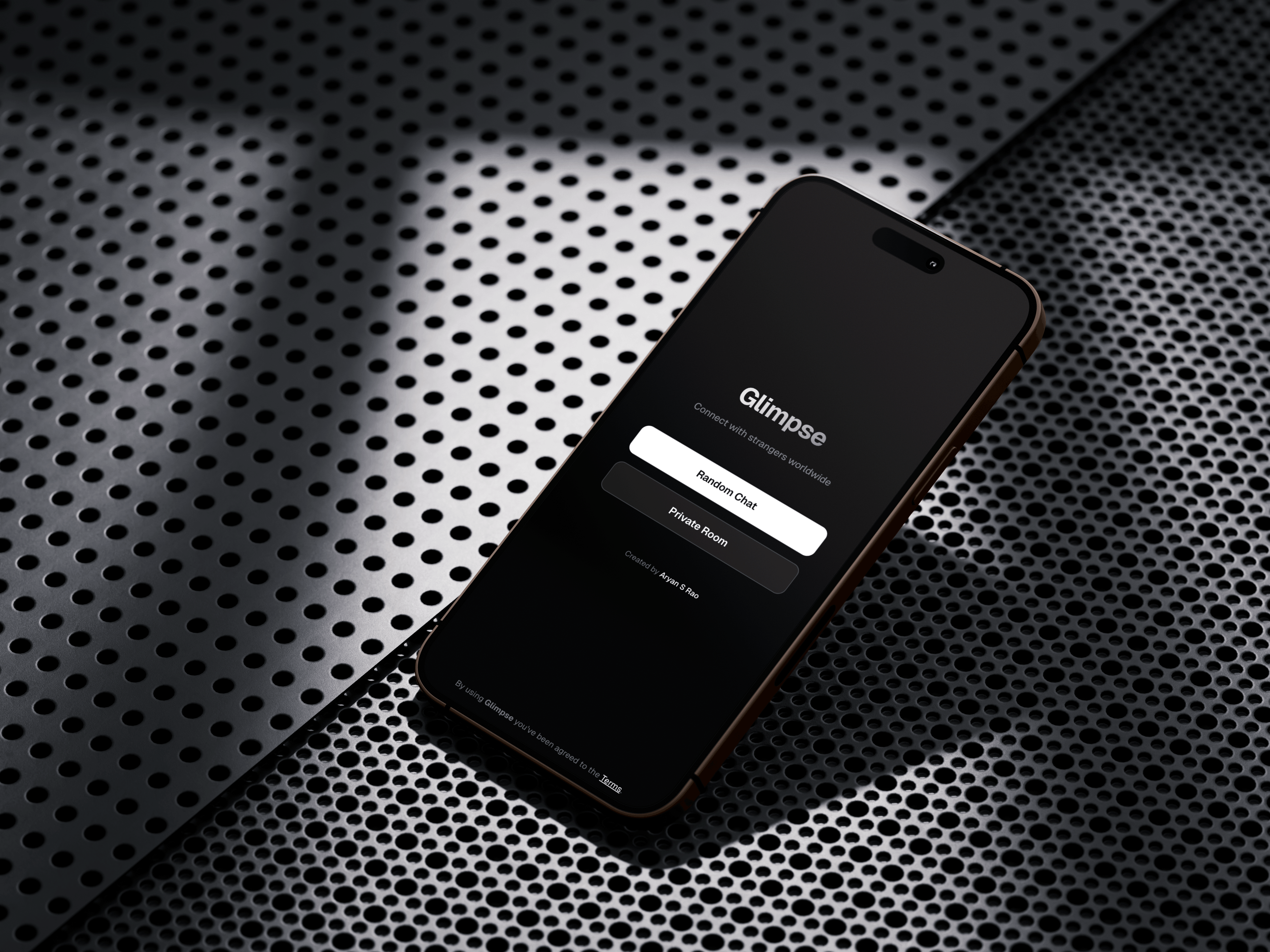 Built Glimpse in December 2025 as a clean, open-source alternative to Omegle. The idea was simple – video chat with strangers worldwide without the bloat, ads, sign-in requirements, or sketchy content that plagued other platforms.
Just open the site, click start, and you're connected to someone random. That's it. No accounts, no data collection, no bullshit.
Why Another Random Chat Platform?
Omegle shut down in 2023. The alternatives that popped up were either full of ads, required sign-ups, had terrible UIs, or were sketchy as hell. People wanted something simple and clean.
The technical challenge was interesting too. Building real peer-to-peer video chat requires understanding WebRTC, NAT traversal, signaling servers, connection management. Not trivial to get right.
How It Works
Glimpse uses WebRTC for peer-to-peer connections. Your video and audio go directly from your browser to the other person's browser. No server in between storing or processing your video. Completely peer-to-peer.
The Lobby System
Connection happens through a lobby system. There are 20 fixed lobby slots numbered 0 through 19. When you start chatting, you randomly occupy one slot. Then the app cycles through the other 19 slots trying to connect.
When it finds someone in another slot, WebRTC connection initiates. Offer and answer exchange through PeerJS signaling server. ICE candidates get exchanged. Connection establishes. Video and audio start flowing.
The lobby approach is simple but effective. No complex matchmaking algorithm. No database. Just 20 slots and sequential search. Average connection time is under 20 seconds.
WebRTC Implementation
WebRTC handles the actual video and audio streaming. Browser APIs for getUserMedia access your camera and microphone. RTCPeerConnection manages the peer-to-peer media streams.
STUN servers from Google help with NAT traversal. Most home networks are behind NAT. STUN servers help discover your public IP address so peers can connect directly through the NAT.
PeerJS library wraps WebRTC and provides the signaling layer. Handles offer/answer exchange, ICE candidate negotiation, connection management. Makes WebRTC usable without dealing with all the low-level details.
Text Chat
Text chat uses WebRTC data channels. Same peer-to-peer connection as video and audio, but for arbitrary data instead of media streams. Messages go directly from one browser to the other.
Data channels are reliable and ordered. Your message gets there in the right order without drops. Perfect for chat where message order matters.
Chat panel slides in from the right side. Glassmorphic design with semi-transparent background and backdrop blur. Modern look without blocking the video content.
Design Philosophy
The UI is intentionally minimal. Pure black background (OLED-friendly). Clean typography using Geist font from Google. Glassmorphic effects for overlays and controls.
No unnecessary elements. No ads. No popups. No sign-up prompts. Just the video grid, minimal controls, and chat panel. Everything you need and nothing you don't.
Control bar is a floating pill at the bottom with five buttons. Video toggle, audio toggle, chat toggle, next person, and end chat. Simple icons, clear purpose, responsive feedback.
Status indicator in the header shows connection state. Gray dot with "Searching" when looking for someone. Green dot with "Connected" when in a call. Always know what's happening.
Responsive Design
Desktop shows two videos side by side. You on the left, stranger on the right. Chat panel slides in from the right without covering videos.
Mobile switches to vertical layout. Your video on top, stranger below. Chat panel becomes a full-width overlay. Control buttons stay at the bottom, touch-friendly size.
Everything adapts smoothly across screen sizes. Same functionality, optimized layout.
Privacy and Security
The whole point of peer-to-peer is privacy. Your video never touches a server. Goes directly from your browser to theirs. Even the signaling server (PeerJS) only sees connection metadata, not your actual video or audio.
No user accounts means no stored personal data. No email, no password, no profile. Just ephemeral connections that exist only during the call.
Open source code on GitHub. Anyone can audit it, verify what it does, modify it for their own use. Complete transparency.
Technical Stack
The entire application is a single HTML file. Embedded CSS for styling, embedded JavaScript for functionality. No build tools, no transpilation, no framework overhead.
Pure vanilla JavaScript. No React, no Vue, nothing. Just modern ES6+ features with async/await patterns. Canvas API for potential future features.
PeerJS handles WebRTC complexity. Google STUN servers for NAT traversal. That's the external dependencies. Everything else is self-contained.
Deployed on Netlify. Single file makes deployment trivial. HTTPS required for camera/microphone access, Netlify provides that automatically.
Use Cases
Original use case is what Omegle was – meeting random strangers for conversation. Language practice, cultural exchange, boredom relief, whatever.
But the clean design and no sign-up requirement makes it good for quick meetings too. Need to video chat with someone but don't want to deal with Zoom invites or Google Meet setup? Just share the link, both click start, you'll connect.
Currently supports two people max. Not building group video chat, that's a different product. Keeping it simple.
Current Limitations
The lobby system means you might connect to the same person multiple times if there aren't many users online. That's fine for a small user base but would need improvement for scale.
Connection quality depends on both users' networks and NAT situations. Most connections work fine with STUN servers. Some NAT configurations need TURN servers for relay, which costs money to run.
No moderation system. Relying on the next button – if you don't like who you connected to, click next and move on. Not perfect but keeps complexity down.
Mobile browser support varies. iOS Safari requires explicit user interaction to access camera. Chrome on Android works better. WebRTC implementation differences across mobile browsers are annoying.
What I Learned
WebRTC is powerful but complicated. Understanding the full connection flow – getUserMedia, offer/answer SDP, ICE candidates, STUN/TURN, data channels – took time. Reading specs, testing across browsers, debugging connection failures.
NAT traversal is harder than it looks. Most connections work with STUN. Some need TURN relay. Network configurations vary wildly. Can't assume direct peer-to-peer always works.
Single-page applications don't need frameworks. This entire app is one HTML file with embedded scripts and styles. Loads instantly, works smoothly, no build complexity.
Minimalist design is harder than busy design. Easy to add features and UI elements. Harder to figure out what to leave out. Every element needs justification.
Open Source
Glimpse is completely open source. Code on GitHub. Anyone can use it, modify it, deploy their own instance.
The README is detailed. Architecture explanation, technical reference, configuration options, deployment guides. Everything needed to understand and run the project.
Not actively seeking contributions but if someone wants to fork it and build something different, the code is there.
Running Your Own Instance
Entire application is one HTML file. Just host it anywhere that provides HTTPS. Netlify, Vercel, GitHub Pages, your own server with SSL certificate.
PeerJS uses their free cloud signaling server by default. For private deployment you can run your own PeerJS server. Configuration is simple.
Customize the lobby prefix and slot count in the code. Change colors through CSS custom properties. Adjust video quality constraints. Everything's configurable.
Future Improvements
Could add connection quality indicators. Show latency, packet loss, bandwidth. Helps debug why some calls feel laggy.
Screen sharing would be useful. WebRTC supports it, just need UI controls and permissions handling.
Better mobile optimization. iOS Safari has quirks with WebRTC. Could improve the mobile experience with better testing and workarounds.
Report/block system for moderation. Currently there's no way to report problematic users. Would need some backend infrastructure for that.
Why It Matters
Random video chat isn't going away. People want to meet strangers, practice languages, cure boredom. The platforms matter.
Glimpse proves you can build this without ads, tracking, or complexity. Open source, privacy-focused, clean design. Just works.
It's also a working demonstration of WebRTC peer-to-peer video. Good reference for anyone learning how to build real-time communication apps.